

Global wallet provider access is an Enterprise feature. Before implementing global wallets as a
provider, request access by navigating to Global wallet > My
app in the Privy Dashboard and clicking the
Request access button. After requesting access, reach out to
[email protected] with your app ID.
Providers and requesters
Suppose that Alice is logged in to App A and wants to connect with her App B wallet to prove she owns an asset. In this setup:- App A is the requester app: it requests access to a third-party wallet.
- App B is the provider app: it provides access to embedded wallets generated on its app.
Choosing your role
Apps can be a provider, a requester, or both, depending on the cross-app wallet experience they want to enable. Use the flowchart below to determine which role fits the app’s needs.Provider vs. requester comparison
When to become a provider
When to become a provider
An app should become a provider if it:Setup: Navigate to Dashboard > Global Wallet > My app and enable the toggle.
- Has existing users with embedded wallets that could be valuable in other apps
- Wants to build network effects by enabling users to leverage their wallets across partner apps
- Wants to increase user retention through cross-app utility
- Wants to control security settings like read-only mode or Blockaid transaction scanning
Global wallet provider access is an Enterprise feature. Before implementing global wallets as a
provider, request access by navigating to Global wallet > My
app in the Privy Dashboard and clicking the
Request access button. After requesting access, reach out to
[email protected] with your app ID.
When to integrate as a requester
When to integrate as a requester
An app should integrate as a requester if it:
- Wants to reduce onboarding friction by letting users sign in with existing wallets
- Does not want to manage wallet creation, recovery, or infrastructure
- Wants users to bring assets and identity from other apps
- Wants quick integration using standard wallet connectors like RainbowKit or ConnectKit
toPrivyWallet() or Privy hooks.When to be both provider and requester
When to be both provider and requester
An app should configure both roles if it:
- Wants maximum wallet interoperability in both directions
- Is building a partnership ecosystem with other apps
- Wants users to both import wallets from partners and export wallets to partners
- Wants to tap into other ecosystems while building its own
User consent and security
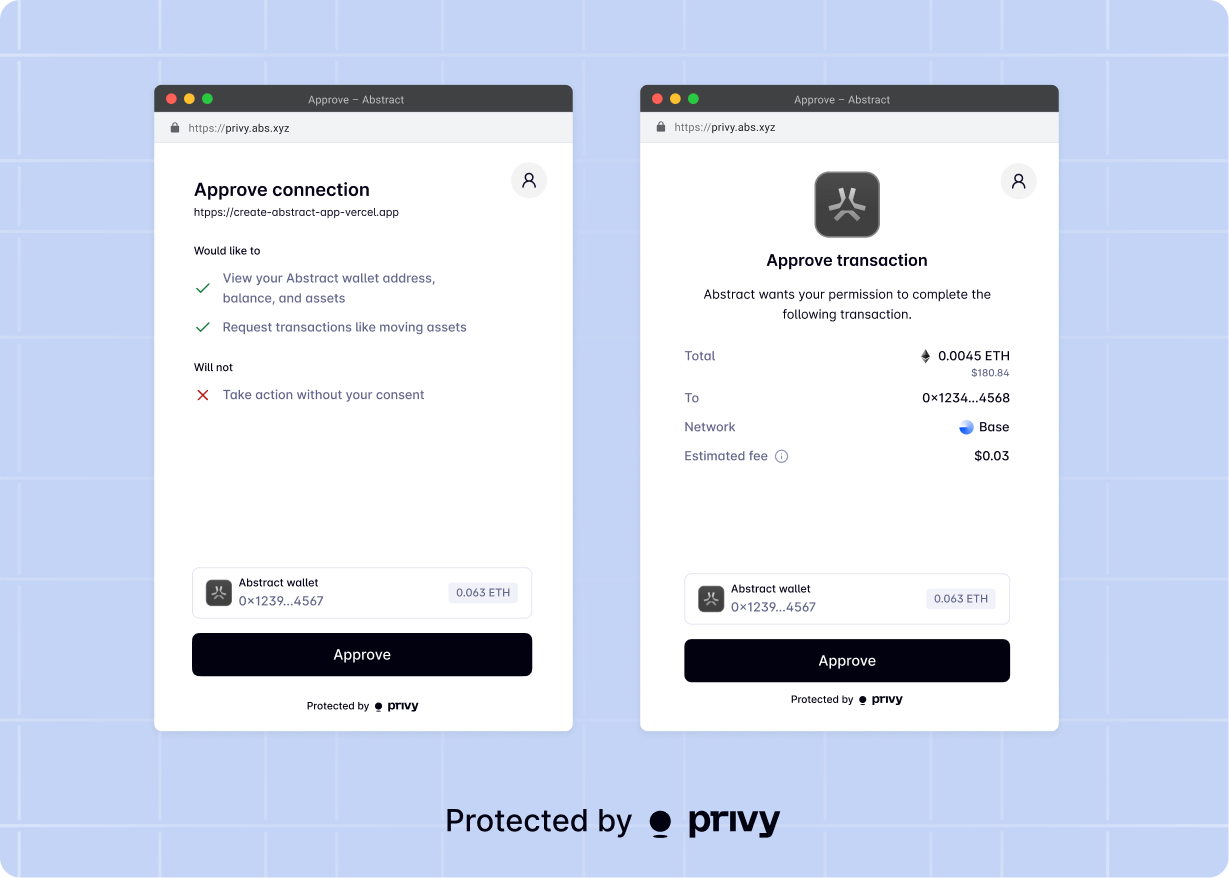
Privy requires that users explicitly confirm all wallet actions in a cross-app context.
- The provider app opting into cross-app flows.
- The user explicitly consenting to share their wallet information with the requester app.
- Users are granted a custom access token to make future requests to the provider wallet
- The user’s wallet addresses are then attached to the requester’s user object as a new cross-app linked account
- If the provider allows for the wallet to be used for signatures and transactions, the requester can request signatures and transactions using the custom access token. Providers can also choose to make their wallets available in read-only mode.