

Documentation Index

Fetch the complete documentation index at: https://docs.privy.io/llms.txt

Use this file to discover all available pages before exploring further.

Privy provides UI components and integrations that let users fund wallets with native currencies (e.g. ETH, SOL), USDC, and other tokens. Funded wallets enable onchain actions like purchasing goods, swapping tokens, and minting NFTs. Funding overview

Funding methods

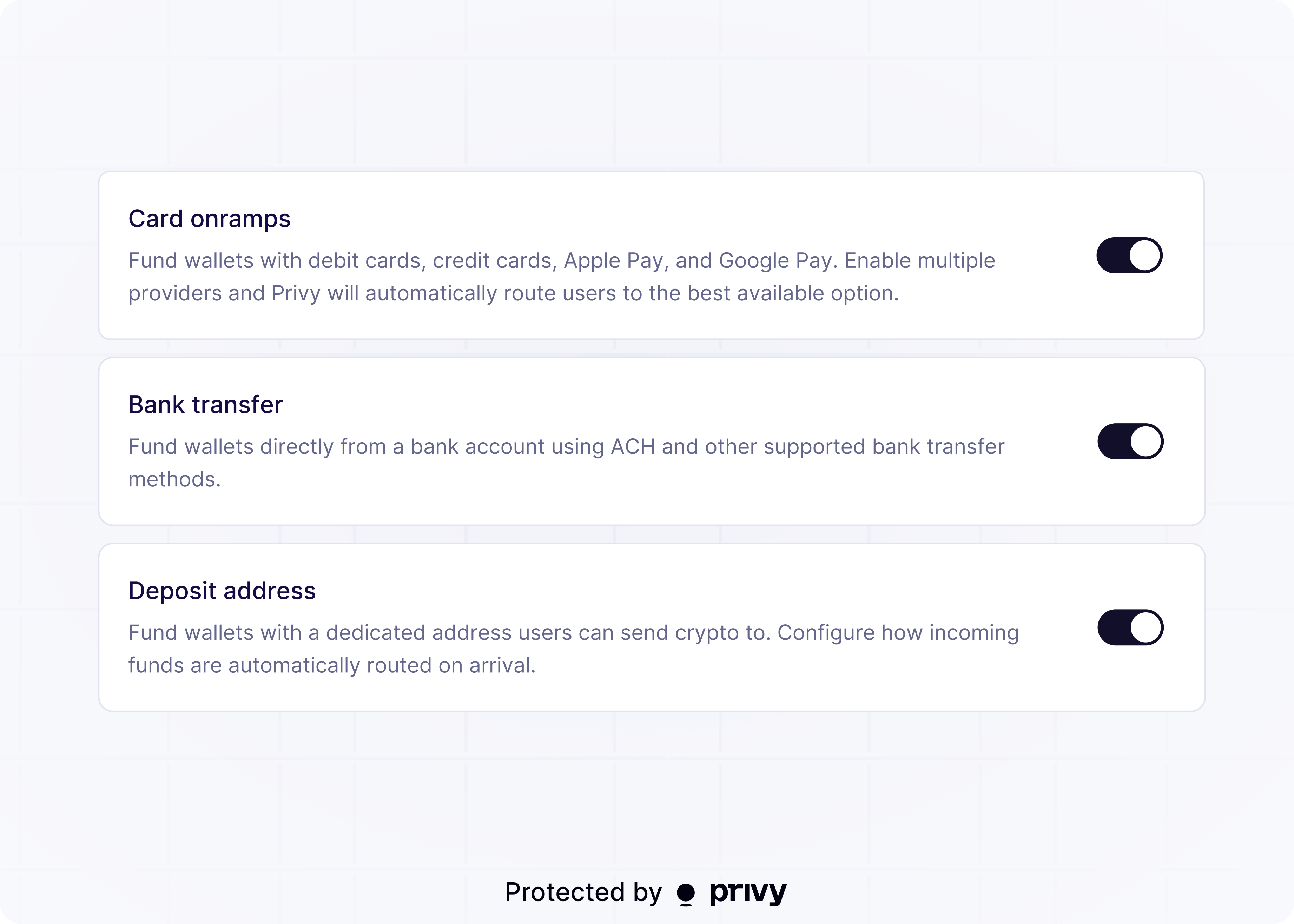
Privy supports several ways for users to get assets into their wallets. Each method suits different use cases depending on where the user’s funds originate.

Fiat-to-crypto onramps

Your app can let users purchase crypto with fiat currencies (USD, EUR, GBP, and more) through Privy’s built-in onramp flow. The useFiatOnramp hook handles provider selection and payment processing. Supported payment methods include debit and credit cards, Apple Pay, and Google Pay. Onramp providers like MoonPay, Coinbase, and Swapped process payments and deliver crypto to user wallets.
Card-based purchases are not always instantaneous. Funds may take a few minutes to a few days to arrive. Debit cards generally have higher approval rates than credit cards.

Bank deposits

Your app can let users fund wallets by transferring fiat from a bank account (ACH, wire, or SEPA) through the useFundWalletWithBankDeposit hook. The onramp provider converts the fiat deposit into crypto and delivers it to the destination wallet. Bank deposits require Bridge API keys and KYC verification.

Crypto deposit addresses (coming soon)

Crypto deposit addresses let users bridge and swap assets across chains by sending tokens to a unique deposit address. This is useful when users already hold crypto on a different chain than the one your app uses or in a different wallet, app, or exchange. Reach out to [email protected] to learn more or request early access.

Getting started

1

Configure funding methods

Enable and configure funding methods in the Privy Dashboard. See the configuration guide for details.
2

Choose an integration

Select the integration that fits your use case:
Use caseIntegration
Fiat purchases via card, Apple Pay, or Google PayFiat-to-crypto onramps
Bank transfers (ACH, wire, SEPA)Bank deposits
Crypto deposit addressesComing soon
3

Integrate in your app

Follow the guide for your chosen integration to add funding to your app.