

Features
Supported assets
For same-chain, same-asset transfers, the transfer API supports native tokens (ETH, SOL, POL, TRX) and ERC-20, SPL, and TRC-20 tokens on the supported chains below. Cross-chain bridging and stablecoin conversions require supported well-known assets and available provider liquidity. A token’s same-chain transfer support does not guarantee a cross-chain route. Use the transfer quote API to check the requested asset and chain pair. When making a transfer request to the Privy API, specify a well-known asset (e.g. OUSD, USDC, USDT, USDB, EURC) or a token contract address.Well-known assets
Privy supports the following well-known assets natively on the chains where they are available.Custom assets
Privy also supports same-chain transfers of custom ERC-20 and SPL tokens. To configure these assets, visit the Asset watchlist tab of the Wallets page of the Dashboard to configure your asset. Then, simply pass the asset’s address in thesource.asset_address parameter of your request to Privy to transfer it.
Supported chains
The/transfer API supports the following chains:
To transfer on chains not listed above, use the low-level RPC
API to construct and send transactions directly.
Tron transfers are same-chain only. Cross-chain bridging and stablecoin conversions are not
supported for Tron. Tron destination addresses must be base58check-encoded (starting with
T).Native bridging
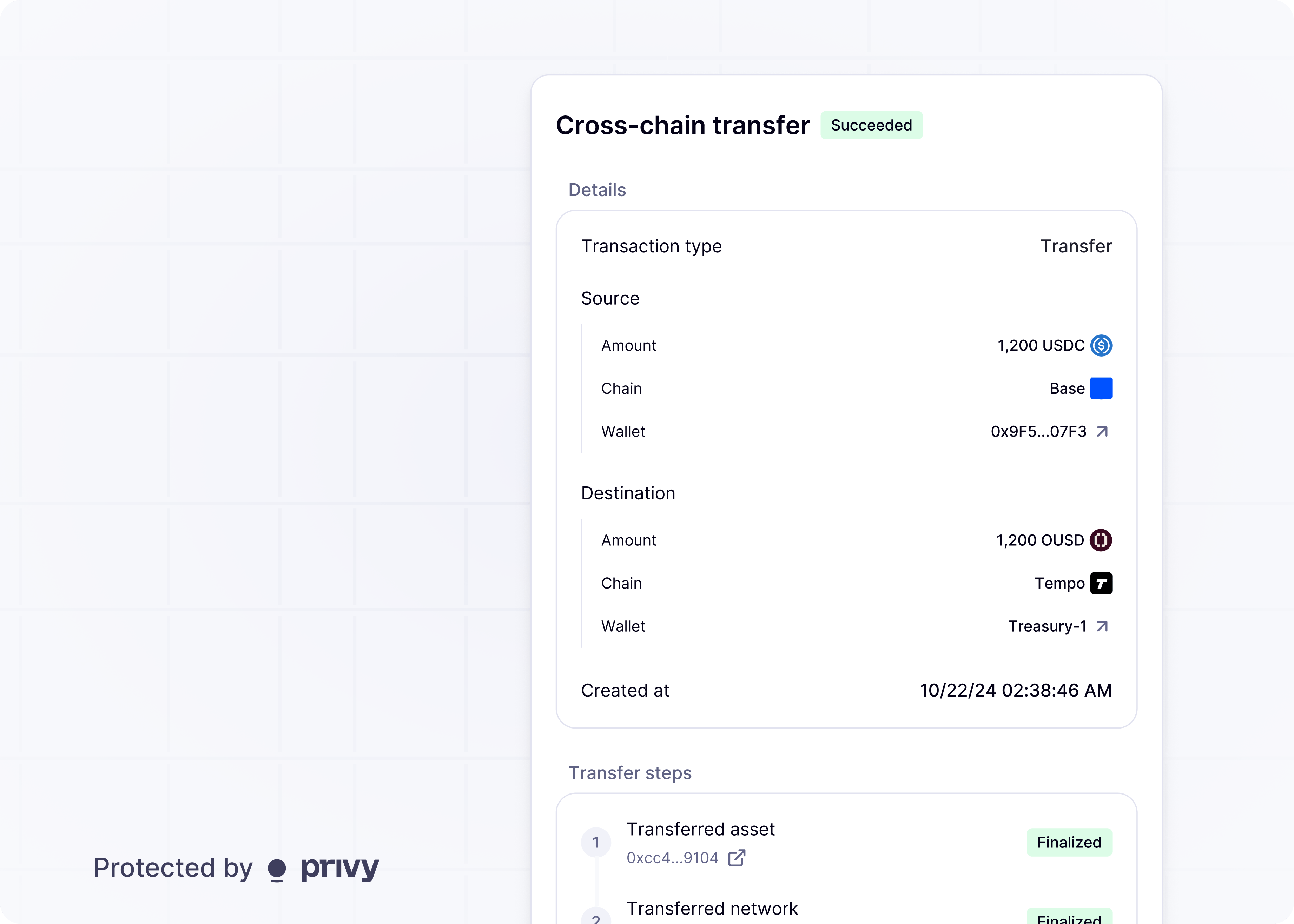
Privy’s/transfer API supports natively bridging an asset (e.g. ETH, OUSD) across the supported chains listed above. Supported routes include:
Native bridging is subject to fees, slippage, and current liquidity conditions.
Stablecoin conversions
Privy’s/transfer API also supports converting between stablecoins of the same peg.
For instance, the transfer API supports setting different USD stablecoins (USDC, USDT, USDC.e, USDT0) as the source and destination currency. This enables you to hold balance in one stablecoin and payout in the preferred stablecoin or chain of your recipient.
Stablecoin conversions are subject to fees, slippage, and current liquidity conditions.
Native bridging and stablecoin conversions is only supported for well-known assets where Privy’s
bridging partners can provide sufficient liquidity. To extend these capabilities to a custom
asset, please reach out.
Pricing and quotes
CallPOST /v1/wallets/{wallet_id}/transfer/quote before a cross-chain or cross-asset transfer. The response includes estimated_input_amount, estimated_output_amount, estimated_fees, and expires_at for the requested route and amount. See quote transfer fees for examples.
While quotes provide current pricing estimates, fees and liquidity can change before execution. Fetch a fresh quote before each transfer. Same-chain, same-asset transfers have no exchange fees and do not use this quote endpoint, but network gas still applies.
Gas and fee sponsorship
Gas sponsorship and swap provider fee sponsorship cover different costs. Configure them separately on the app’s Fee sponsorship page in the Privy Dashboard.
Without swap provider fee sponsorship, provider fees are paid from the transferred or swapped amount. Provider fee sponsorship is configured per app and applies to all supported routes, rather than individual users or executions.
Sponsorship does not expand supported assets, chains, or routes. Sponsored costs use the account’s shared prepaid credit balance or postpaid billing. Postpaid billing is available on the Enterprise plan.
Transfers use the app’s gas payment configuration. App-pays gas sponsorship is optional for transfers. Without it, the wallet must fund network gas, either with its native token balance or through user-pays mode on supported token and chain combinations.
Transfers between different input and output assets can optionally use swap provider fee sponsorship. When enabled, the app covers the fees associated with converting between the assets. Use the transfer quote API to estimate the amount the recipient will receive.