

Verify the paying entity
A payout settles from the verified person or business the wallet is attributed to, called its entity. That entity must have completed verification: Wallets created for a user are attributed automatically. Wallets created server-side with an app secret are not, even when their owner is a user, so those must have an entity assigned explicitly before a payout can be created.Configure the provider
Register a Bridge API key in the Privy Dashboard under Onramps > Bridge > Configure and enable server-side flows (REST API and server SDKs) for the environment your app is using. Payouts fail if only client-side flows are enabled. In sandbox, Privy can auto-generate a sandbox key for you, so only the server-side checkbox needs to be selected. See KYC and KYB setup for the full walkthrough.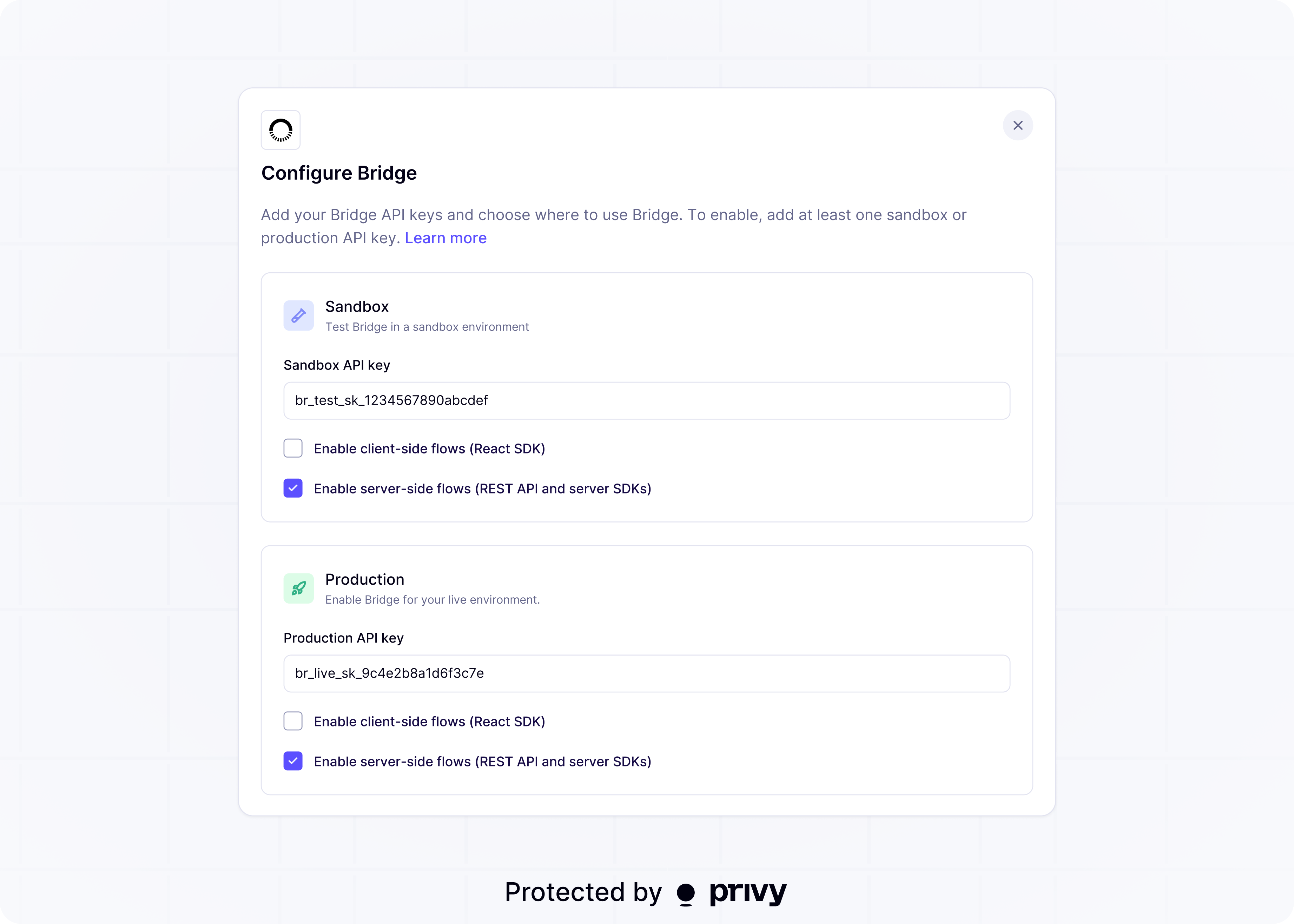
Next steps
Register a bank account
Save the bank account a payout settles to
Entities
Learn how wallets are attributed to a verified user or organization