

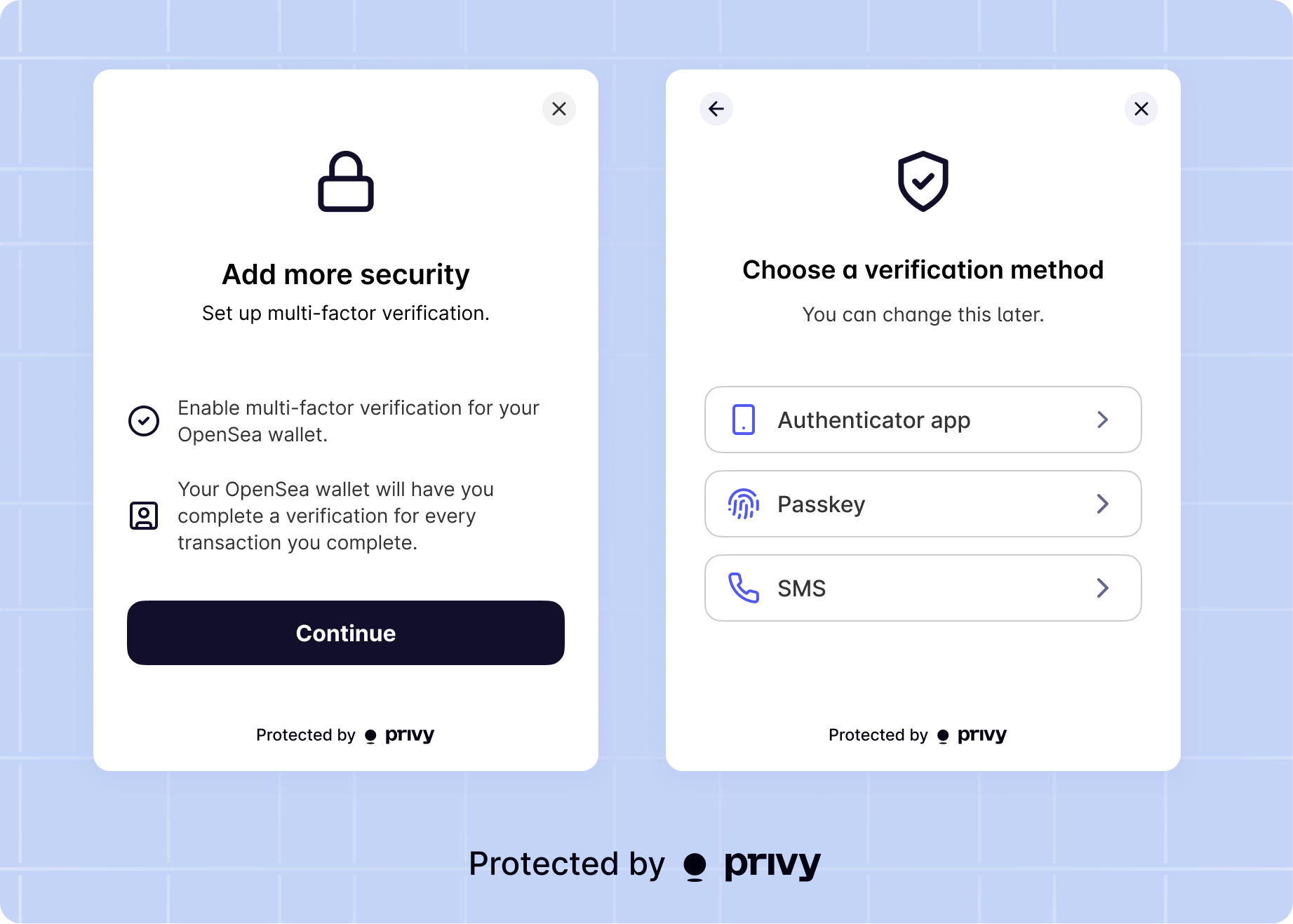
If a user has multiple embedded wallets (e.g. on different blockchains, or multiple HD addresses),
MFA enrollment applies to signatures and transactions from all of them.
- Passkeys (recommended): users verify with a previously registered passkey through biometric authentication on their device. Phishing-resistant, device-bound, and independent of third-party carriers or apps.
- Time-based one-time password (TOTP), where users verify with a 6-digit MFA code from an authentication app, like Authy or Google Authenticator
- SMS, where users verify with a 6-digit MFA code sent to their phone number
Policy-based multi-factor authentication
By default, MFA enrollment requires verification for all wallet actions. Your app can implement policy-based MFA to require MFA only for specific actions while allowing routine transactions to proceed without additional verification. For example, your app can:- Require MFA only for transactions above a certain amount (e.g., transfers over 1000 OUSD)
- Require MFA for withdrawals while allowing deposits without MFA
- Apply MFA requirements based on specific tokens, contracts, or actions
Learn how to implement policy-based MFA in the policy-based MFA
recipe.