

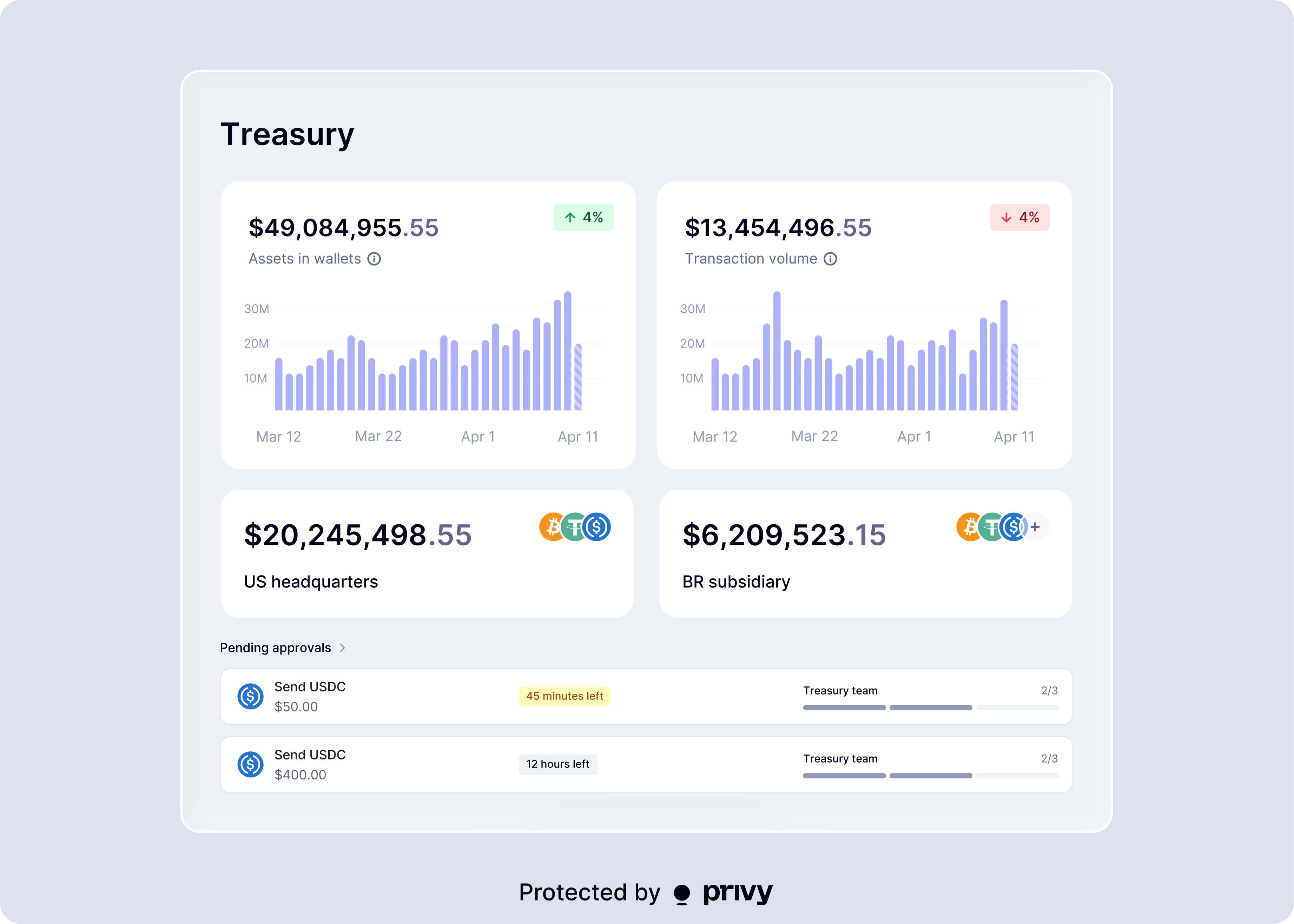
- Initiate stablecoin transfers via a simple and accessible UI
- Rebalance liquidity across international entities instantly
- Manage and top up funds to your partners’ accounts
- Orchestrate advanced disbursement flows to customers’ accounts
- Store and monitor revenue from your application’s onchain earnings
- Earn yield 24/7 on idle capital, with no lockups
Features
The workspace is a separate, unified surface designed specifically for Operations and Finance teams. Your team can access Privy’s full capabilities through a simple, user-friendly interface:- Create wallets on supported chains with configurable controls
- Define quorums of team members that require m-of-n approvals for sensitive actions
- Apply policies conditionally to different team members, enabling different levels of access over wallets for different users
- Enforce transfer limits, recipient allowlists, and chain restrictions at the per-wallet level
- Review and approve transactions with MFA-secured manual approvals
- Monitor balances and activity across your entire treasury in real time
- Implement automations to reduce manual effort
The Treasury Management workspace lives at the account level in your Privy dashboard, across all
applications. It is not app-specific.
Supported chains and assets
The Treasury Management workspace has full support for certain EVM chains, Solana, and Tron. See the full list of supported chains and assets.Get started
Set up Treasury Management
Configure wallets, team member quorums, and policies in the Treasury Management workspace
Transfers
Execute transfers from your Treasury Management wallets