

Overview

This guide covers creating and using an ERC-4337 smart wallet from a native iOS or Android app. By the end, your app will be able to:
  • Create an embedded wallet on mobile that serves as the smart wallet’s signer
  • Derive a deterministic smart wallet address from the signer
  • Send gas-sponsored transactions via a hybrid client-server architecture
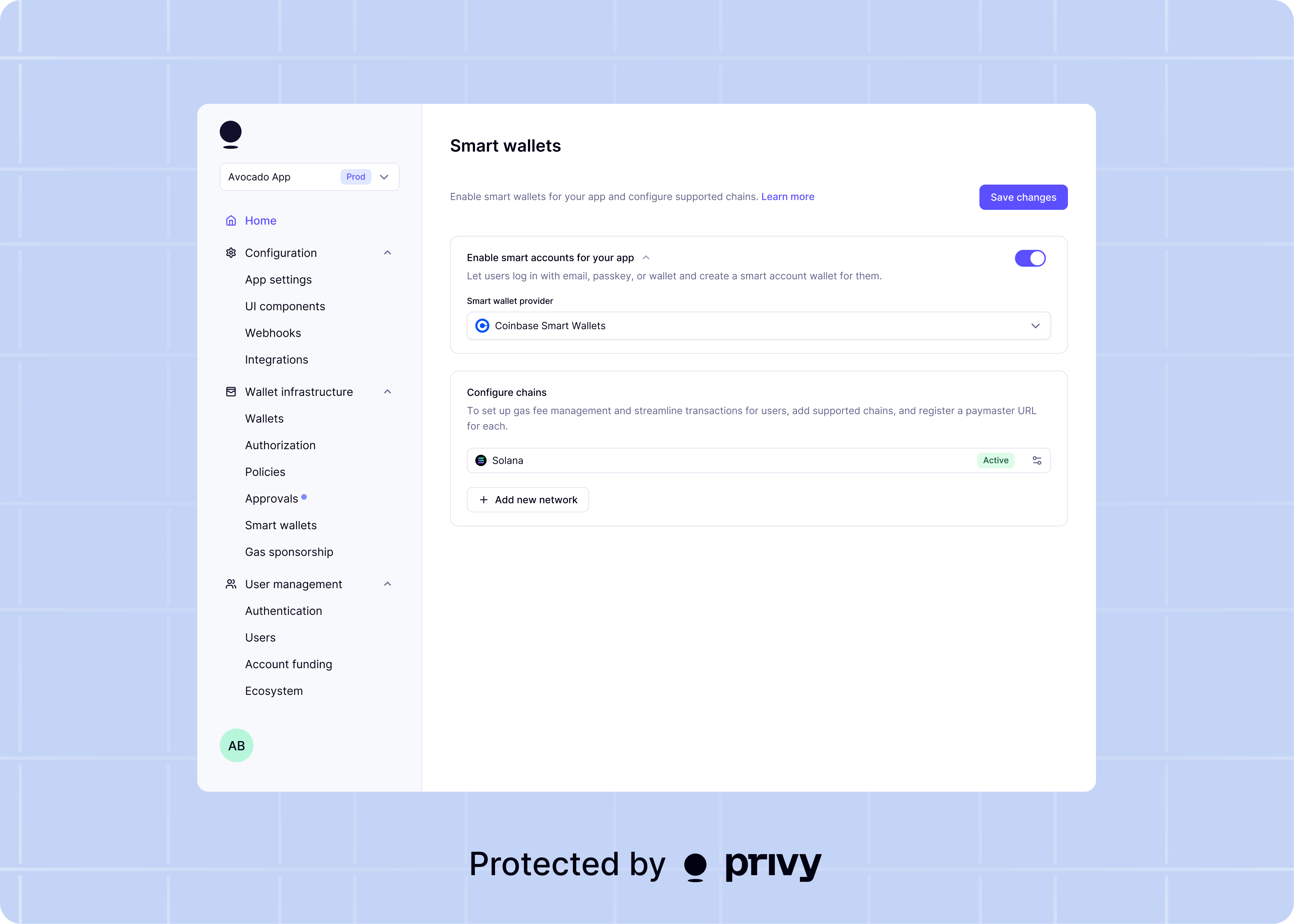
Privy’s native smart wallet integration (SmartWalletsProvider) is available for React and React Native. For iOS and Android apps, a hybrid architecture enables smart wallet functionality. The mobile app creates an embedded wallet and signs UserOperation hashes. A Node.js backend manages the smart wallet infrastructure. This architecture keeps wallet keys on the device (self-custodial). Server-side tooling handles ERC-4337 operations. Smart wallets architecture
Prerequisites

npm i permissionless viem

Architecture overview

The transaction flow for a smart wallet on native mobile:
  1. The mobile app creates an embedded wallet (EOA). This wallet acts as the smart wallet’s signer.
  2. The backend derives a deterministic smart wallet address from the signer’s address.
  3. For each transaction:
    • The mobile app sends transaction details to the backend.
    • The backend constructs a UserOperation and returns the hash to sign.
    • The mobile app signs the hash with the embedded wallet.
    • The mobile app sends the signature back to the backend.
    • The backend submits the signed UserOperation to the bundler.

Step 1: Create an embedded wallet

Create an Ethereum embedded wallet on the mobile device. This wallet acts as the EOA signer controlling the smart wallet.
guard let user = privy.user else {
    return
}

do {
    let ethereumWallet = try await user.createEthereumWallet()
    let signerAddress = ethereumWallet.address
    print("Signer address: \(signerAddress)")
} catch {
    print("Error creating wallet: \(error.localizedDescription)")
}
If your app already creates embedded wallets for authenticated users, skip this step and use the existing wallet as the signer.

Step 2: Set up the server-side smart wallet infrastructure

Use permissionless and viem on the backend to derive the smart wallet address. This example uses Kernel (ZeroDev). Any ERC-4337 smart account implementation works.
import {toKernelSmartAccount} from 'permissionless/accounts';
import {createPublicClient, http} from 'viem';
import {base} from 'viem/chains';
import {entryPoint07Address} from 'viem/account-abstraction';
import {toAccount} from 'viem/accounts';

const publicClient = createPublicClient({
  chain: base,
  transport: http()
});

function createRemoteSigner(signerAddress: `0x${string}`) {
  return toAccount({
    address: signerAddress,
    async signMessage({message}) {
      // This will be replaced with the mobile app's signature
      // See Step 4 for the full implementation
      throw new Error('Use prepareUserOperation flow instead');
    },
    async signTransaction() {
      throw new Error('Use prepareUserOperation flow instead');
    },
    async signTypedData() {
      throw new Error('Use prepareUserOperation flow instead');
    }
  });
}

async function getSmartWalletAddress(signerAddress: `0x${string}`) {
  const remoteSigner = createRemoteSigner(signerAddress);

  const kernelAccount = await toKernelSmartAccount({
    client: publicClient,
    owners: [remoteSigner],
    entryPoint: {
      address: entryPoint07Address,
      version: '0.7'
    }
  });

  return kernelAccount.address;
}
The smart wallet address is deterministic. Given the same signer address, the derived smart wallet address is always the same, even before deployment.

Step 3: Prepare a UserOperation on the server

The backend constructs the UserOperation and returns the hash for the mobile app to sign.
import {createSmartAccountClient} from 'permissionless';
import {createPimlicoClient} from 'permissionless/clients/pimlico';
import {encodeFunctionData} from 'viem';

const bundlerUrl = 'https://api.pimlico.io/v2/base/rpc?apikey=YOUR_PIMLICO_API_KEY';
const paymasterUrl = 'https://api.pimlico.io/v2/base/rpc?apikey=YOUR_PIMLICO_API_KEY';

const pimlicoClient = createPimlicoClient({
  transport: http(paymasterUrl),
  entryPoint: {
    address: entryPoint07Address,
    version: '0.7'
  }
});

async function prepareUserOperation(
  signerAddress: `0x${string}`,
  transaction: {to: `0x${string}`; value?: bigint; data?: `0x${string}`}
) {
  const remoteSigner = createRemoteSigner(signerAddress);

  const kernelAccount = await toKernelSmartAccount({
    client: publicClient,
    owners: [remoteSigner],
    entryPoint: {
      address: entryPoint07Address,
      version: '0.7'
    }
  });

  const smartAccountClient = createSmartAccountClient({
    account: kernelAccount,
    chain: base,
    bundlerTransport: http(bundlerUrl),
    paymaster: pimlicoClient,
    userOperation: {
      estimateFeesPerGas: async () => (await pimlicoClient.getUserOperationGasPrice()).fast
    }
  });

  const userOp = await smartAccountClient.prepareUserOperation({
    calls: [transaction]
  });

  const userOpHash = kernelAccount.getUserOpHash({
    ...userOp,
    chainId: base.id,
    entryPointAddress: entryPoint07Address,
    entryPointVersion: '0.7'
  });

  return {userOp, userOpHash, smartWalletAddress: kernelAccount.address};
}

Step 4: Sign the UserOperation hash on mobile

The mobile app receives the userOpHash from the backend and signs it with personal_sign.
func signUserOperationHash(wallet: EmbeddedEthereumWallet, userOpHash: String) async throws -> String {
    let request = EthereumRpcRequest(
        method: "personal_sign",
        params: [userOpHash, wallet.address]
    )
    let signature = try await wallet.provider.request(request)
    return signature
}

// Usage
if let wallet = privy.user?.embeddedEthereumWallets.first {
    do {
        // 1. Request UserOperation preparation from your backend
        let prepareResponse = try await yourBackend.prepareUserOperation(
            signerAddress: wallet.address,
            to: "0xRecipientAddress",
            value: "0x0",
            data: "0x"
        )

        // 2. Sign the UserOperation hash
        let signature = try await signUserOperationHash(
            wallet: wallet,
            userOpHash: prepareResponse.userOpHash
        )

        // 3. Submit the signed UserOperation via your backend
        let txHash = try await yourBackend.submitUserOperation(
            userOpHash: prepareResponse.userOpHash,
            signature: signature
        )
        print("Transaction hash: \(txHash)")
    } catch {
        print("Error: \(error.localizedDescription)")
    }
}

Step 5: Submit the signed UserOperation

The backend attaches the signature to the UserOperation and submits it to the bundler.
import {bundlerActions} from 'viem/account-abstraction';

async function submitUserOperation(userOp: any, signature: `0x${string}`) {
  const bundlerClient = publicClient.extend(
    bundlerActions({
      entryPoint: {
        address: entryPoint07Address,
        version: '0.7'
      }
    })
  );

  const hash = await bundlerClient.sendUserOperation({
    ...userOp,
    signature
  });

  const receipt = await bundlerClient.waitForUserOperationReceipt({hash});
  return receipt.receipt.transactionHash;
}

Full example: Sponsored USDC transfer

This example shows the complete flow for a gas-sponsored USDC transfer.
import PrivySDK

func sendSponsoredUSDC(wallet: EmbeddedEthereumWallet, to: String, amount: String) async throws -> String {
    // 1. Prepare the UserOperation on the server
    let prepareResponse = try await yourBackend.prepareUserOperation(
        signerAddress: wallet.address,
        to: "0xUSDC_CONTRACT_ADDRESS",
        value: "0x0",
        data: encodeTransferData(to: to, amount: amount)
    )

    // 2. Sign the UserOperation hash
    let request = EthereumRpcRequest(
        method: "personal_sign",
        params: [prepareResponse.userOpHash, wallet.address]
    )
    let signature = try await wallet.provider.request(request)

    // 3. Submit to bundler via server
    let txHash = try await yourBackend.submitUserOperation(
        userOpHash: prepareResponse.userOpHash,
        signature: signature
    )

    return txHash
}

Next steps

Gas sponsorship

Configure paymasters to sponsor gas fees for your users.

Smart wallet overview

Learn more about smart wallet features and supported providers.

Batch transactions

Send multiple transactions atomically from a smart wallet.

Dashboard configuration

Set up bundlers, paymasters, and supported networks.