

Privy comes with out-of-the-box UIs for signing messages and sending transactions.These wallet UIs are highly-customizable, allowing your application to communicate relevant context to the user or abstract away the fact that a wallet is being used under the hood.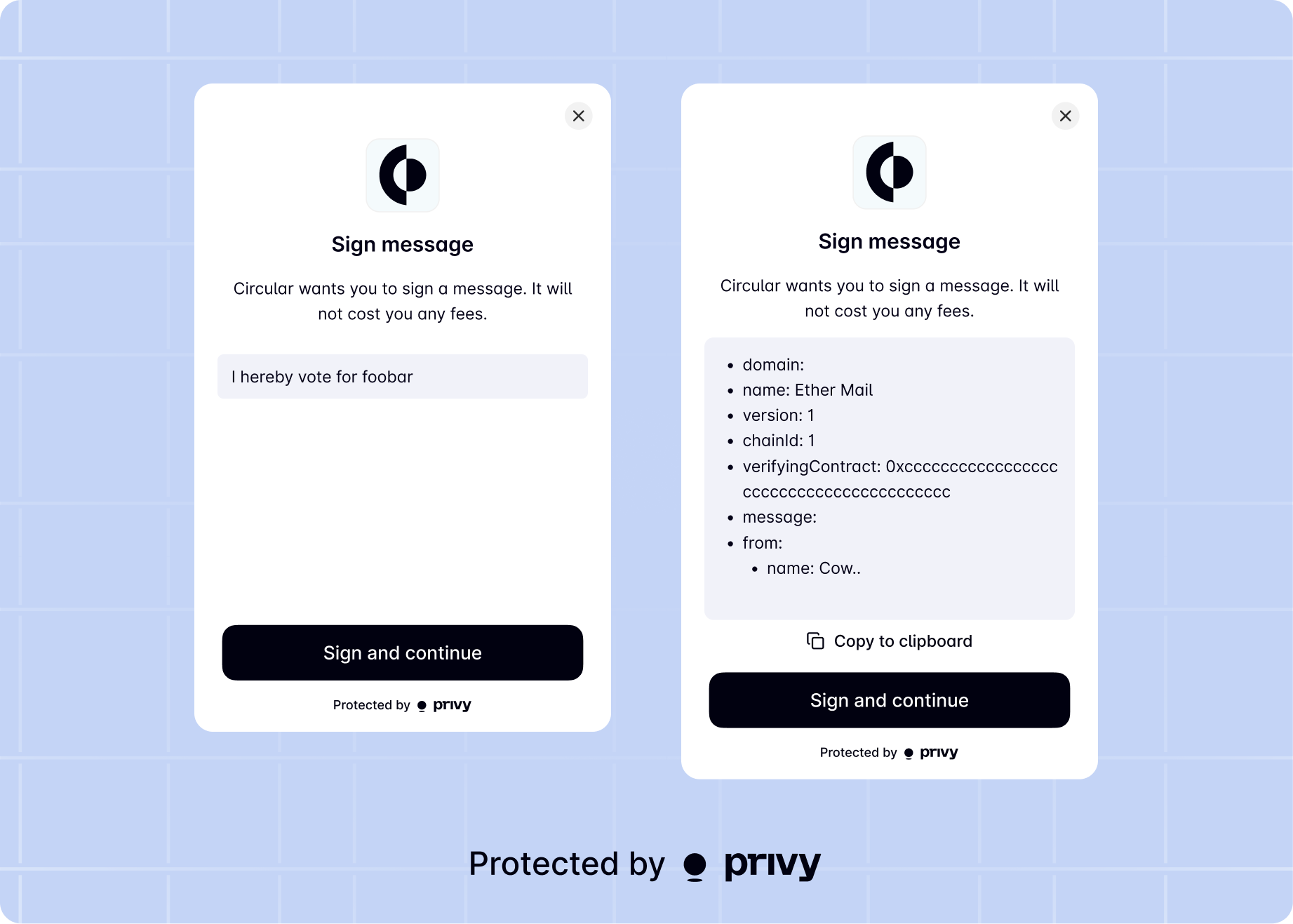
method.
Sign message
Below is a sample message signature UI.uiOptions object of the following type to the method.Parameters
boolean
Whether to overwrite the configured wallet UI for the signature prompt. Defaults to
undefined,
which will respect the server-side or SDK configured option.string
The title text for the signature prompt. Defaults to ‘Sign message’.
string
The description text for the signature prompt. Defaults to ‘Signing this message will not cost you any fees.’.
string
The description text for the signature prompt. Defaults to ‘Sign and continue’.
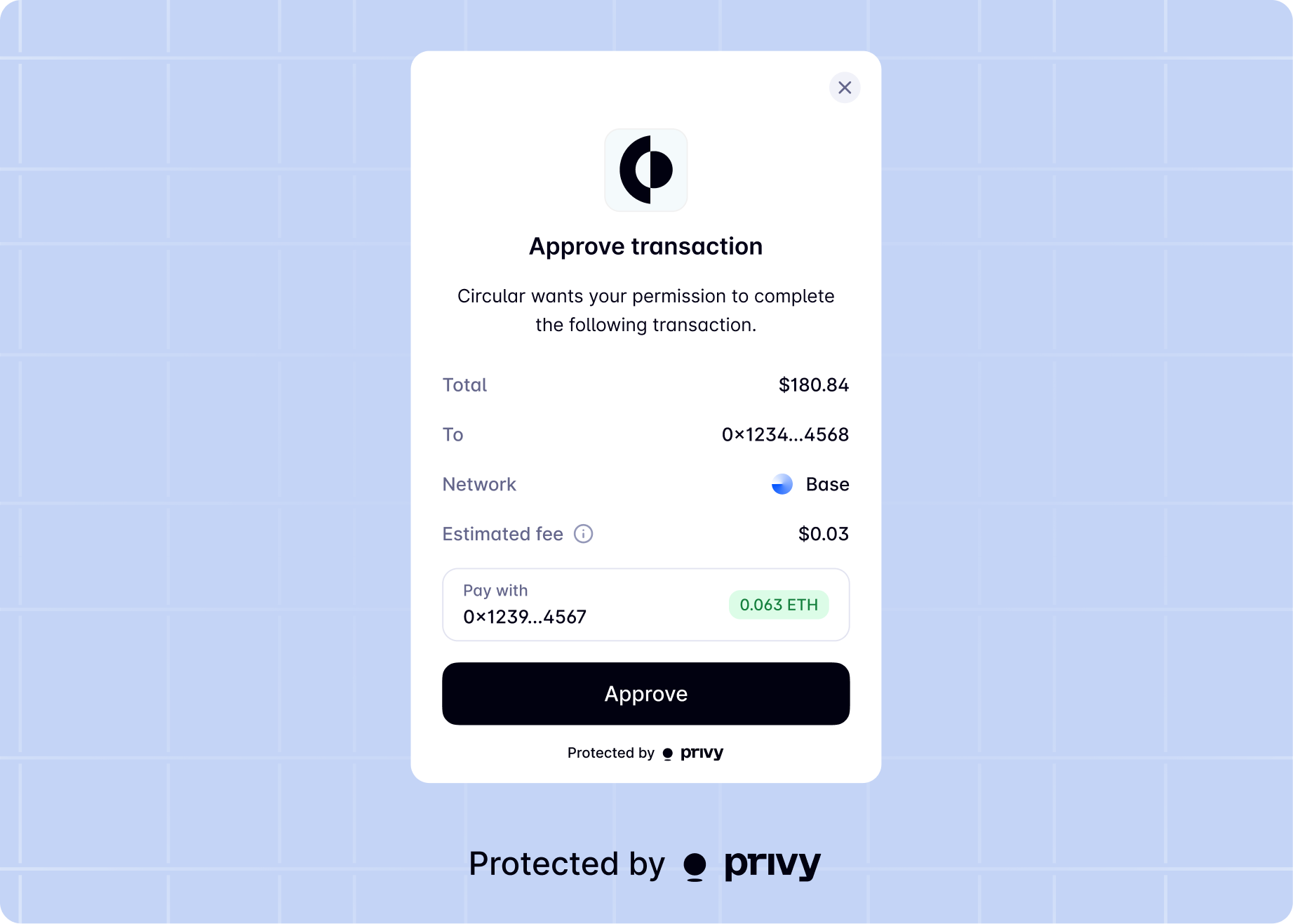
Send transaction
Below is a sample transaction UI.uiOptions object of the following type to themethod.
Parameters
boolean
Whether or not to show wallet UIs for this action. Defaults to the wallet UI setting enabled for your app.
string
Description of the transaction being sent.
string
Text to show on CTA button for Send Transaction screen. Defaults to ‘Submit’ or ‘Approve’.
Object
string
Text displayed at the top of the success screen. Defaults to ‘Transaction complete!’.
string
Description for the success screen. Defaults to ‘You’re all set.’.
boolean
Whether to display a cancel button on the confirmation screen.