

useFundWalletWithBankDeposit hook. Use the hook when Privy’s prebuilt modal fits your flow. Use the headless API when your app needs a fully custom experience.
Headless bank deposits use the same Bridge integration as fiat
offramps. A user who completes terms of service and KYC
once can both onramp and offramp.
Prerequisites
Headless bank deposits require Bridge API keys. If your app does not already have them, sign up for Bridge, complete KYB verification, and generate API keys. Then, enable the bank transfer method on the Account Funding page in the Privy dashboard. Enter your Bridge API keys when prompted, and save.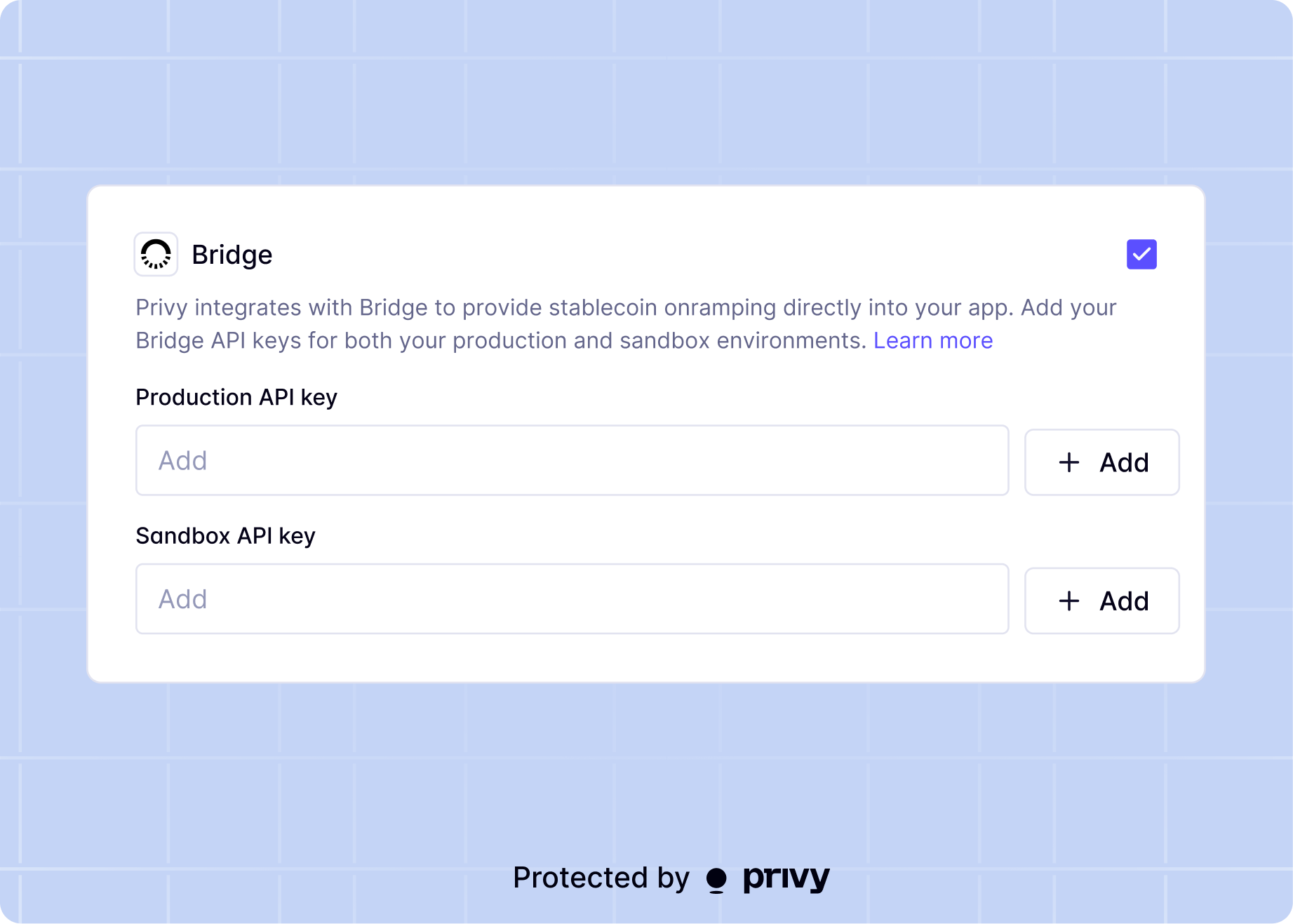
Register the user
The first time a user onramps, they must agree to Bridge’s terms of service and complete KYC verification.Request a terms of service agreement
Request a terms of service URL for the user:redirect_uri query parameter to the returned URL so the user returns to your app after signing. On redirect, the URL includes a signed_agreement_id parameter to use in the KYC step.
Submit KYC information
Check the user’s KYC status:KYC review takes about 1-2 minutes. Some submissions require manual review, which can take a few
hours.
Initiate the onramp
Once the user is verified, trigger the onramp. Specify the fiatsource and the crypto destination wallet:
Complete the bank transfer
The user must follow the deposit instructions exactly, including thedeposit_message. Bridge supports ACH, wire, and SEPA rails. If the instructions are not followed correctly, the onramp fails.