> ## Documentation Index
> Fetch the complete documentation index at: https://docs.privy.io/llms.txt
> Use this file to discover all available pages before exploring further.
# Single-party approvals
If your business needs a single party to be able to unilaterally approve actions applied to or taken by wallets, the most common setup is to assign an [authorization key](/controls/authorization-keys/keys/create/key) or a [user](/controls/authorization-keys/keys/create/user/overview) in your authentication system as the [owner](/controls/authorization-keys/owners/overview) of the wallet.
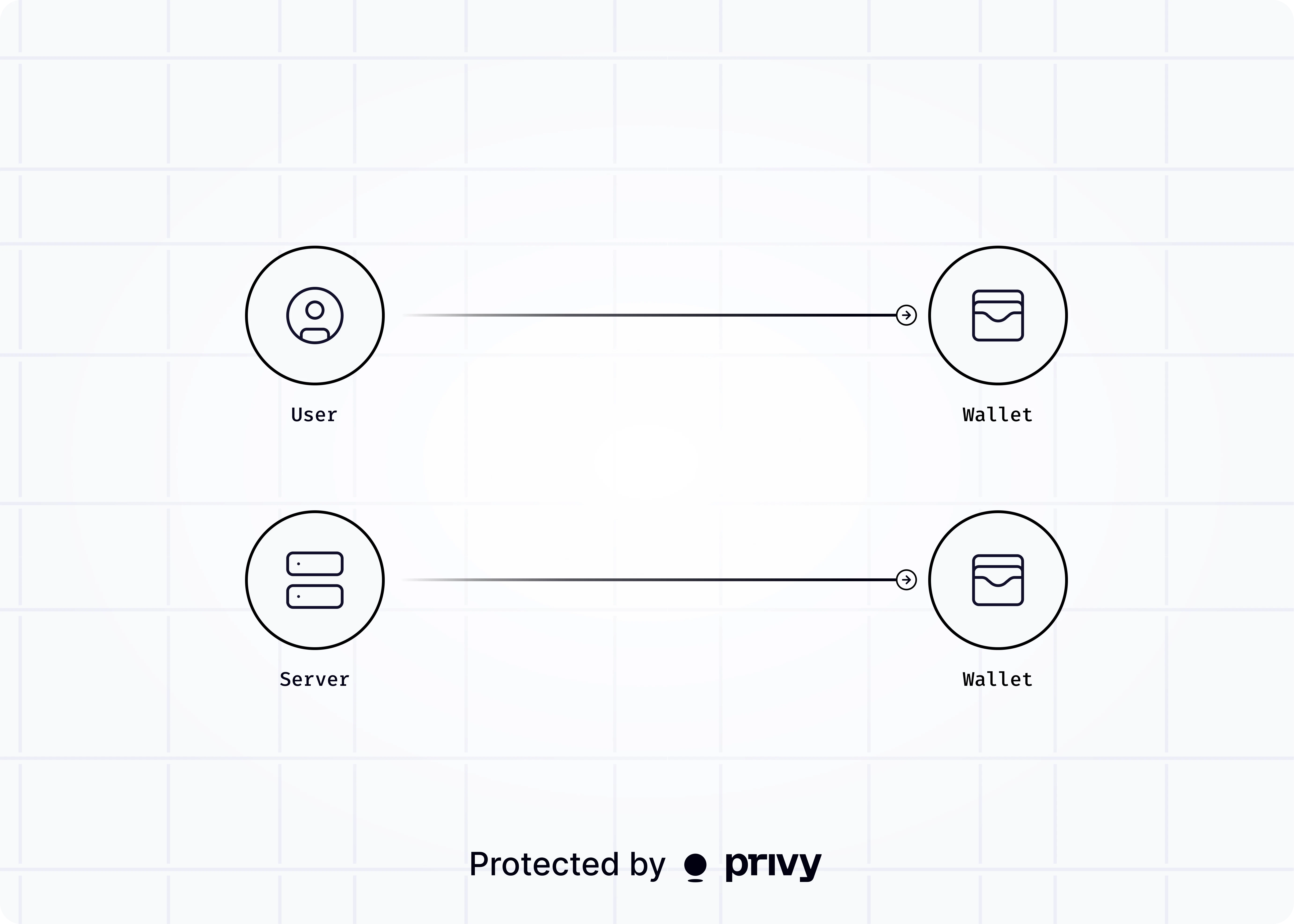 Privy's TEE infrastructure enforces that all requests to update a wallet (e.g. assign policies or delegate permissions to signers) or take actions with the wallet (e.g. sign messages or send transactions) must be **signed** by the authorization key or a time-bound key associated with your user. If no valid signature is provided on requests, Privy will not execute the action.
Learn more about setting up user-owned wallets below.
Learn how to set up self-custodial wallets owned by users in your authentication system.
Privy's TEE infrastructure enforces that all requests to update a wallet (e.g. assign policies or delegate permissions to signers) or take actions with the wallet (e.g. sign messages or send transactions) must be **signed** by the authorization key or a time-bound key associated with your user. If no valid signature is provided on requests, Privy will not execute the action.
Learn more about setting up user-owned wallets below.
Learn how to set up self-custodial wallets owned by users in your authentication system.