> ## Documentation Index
> Fetch the complete documentation index at: https://docs.privy.io/llms.txt
> Use this file to discover all available pages before exploring further.
# Delegating permissions
Privy wallets' powerful [**owners and signers**](/controls/authorization-keys/owners/overview) abstraction allow your application to configure granular permissions around the actions that various parties can take on wallets. Namely, **owners** have full control over wallets and can delegate permissions to **signers** to execute transactions from the wallet within the scope of a specific [**policy**](/controls/policies/overview).
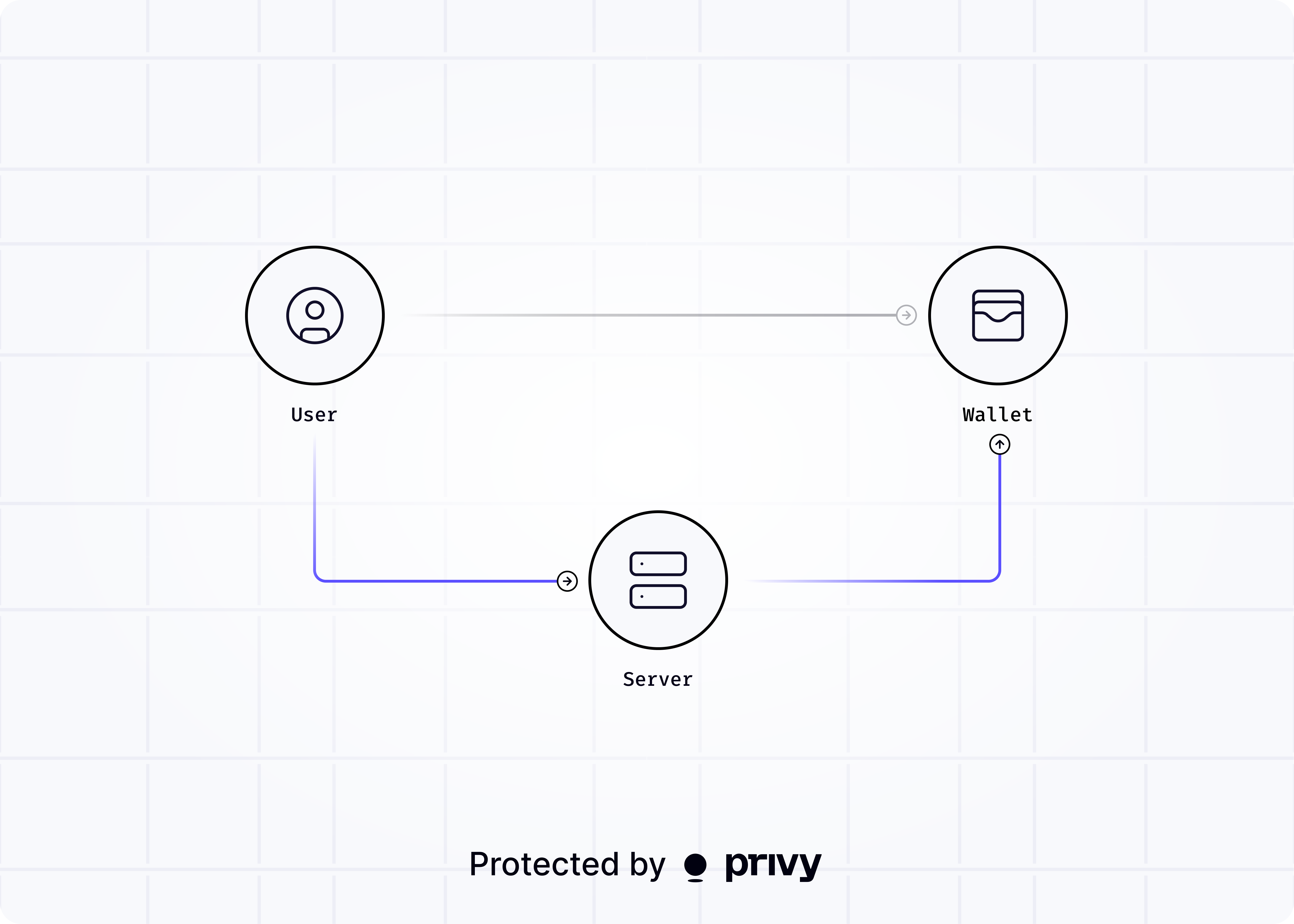 A good rule of thumb is:
* If you need **third-parties to take actions on behalf of your business**, configure your business as the wallet's owner and each of the third-parties as a signer.
* If you need **your business to take actions on behalf of a third-party or a user**, configure the third-party as the wallet's owner and your business as a signer.
Owners and signers can be configured flexibly, including support for unilateral or quorum approvals.
Learn more about delegating permissions with signers below.
Use owners and signers to enforce granular permissions and control models in your application.
A good rule of thumb is:
* If you need **third-parties to take actions on behalf of your business**, configure your business as the wallet's owner and each of the third-parties as a signer.
* If you need **your business to take actions on behalf of a third-party or a user**, configure the third-party as the wallet's owner and your business as a signer.
Owners and signers can be configured flexibly, including support for unilateral or quorum approvals.
Learn more about delegating permissions with signers below.
Use owners and signers to enforce granular permissions and control models in your application.